
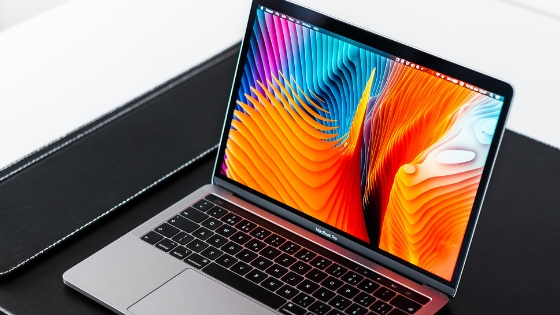
Ever since the hit series ‘Tidying up with Marie Kondo’ was aired on Netflix, the world couldn’t stop talking about her. Marie Kondo has made tons of people donate pieces of stuff that don’t spark joy which is what I see making rounds across all news platforms around the globe. She is just magnificent. Her ways of tidying up are relatable no matter what country or culture exposure you may be or have.
The internet is no different.
The online world is no different from the internet. In fact, it is more chaotic and obscure looking compared to our cabinets, wardrobes, cupboards and drawers. The internet is even stressful than what we can imagine. Whilst technology is helping to make our lives easier, it also has disadvantages.
Are you done tidying up your house? Probably it’s time to consider tidying up your online life?
If you’re up ready for it, here are some ways to gain peace of mind online the Marie Kondo-way.
Firstly, categorise your ‘online clean up’ process to the following: desktop, files, bookmarks, email, and social networks.

Secondly, start with your desktop. It’s the first thing you see when you fire up your computer so best to put
Extra tip: If you’re a Mac user, the cleanup and stacks feature will save you tons of time. You may read more of it here.
Next, transfer these folders to your hard drive, or file repository system. I use Google Drive for almost all my files for back up. I also have no problems uploading multiple files at the same time as the internet speed in the UK is quite impressive. So make sure you consider the internet speed before doing so.
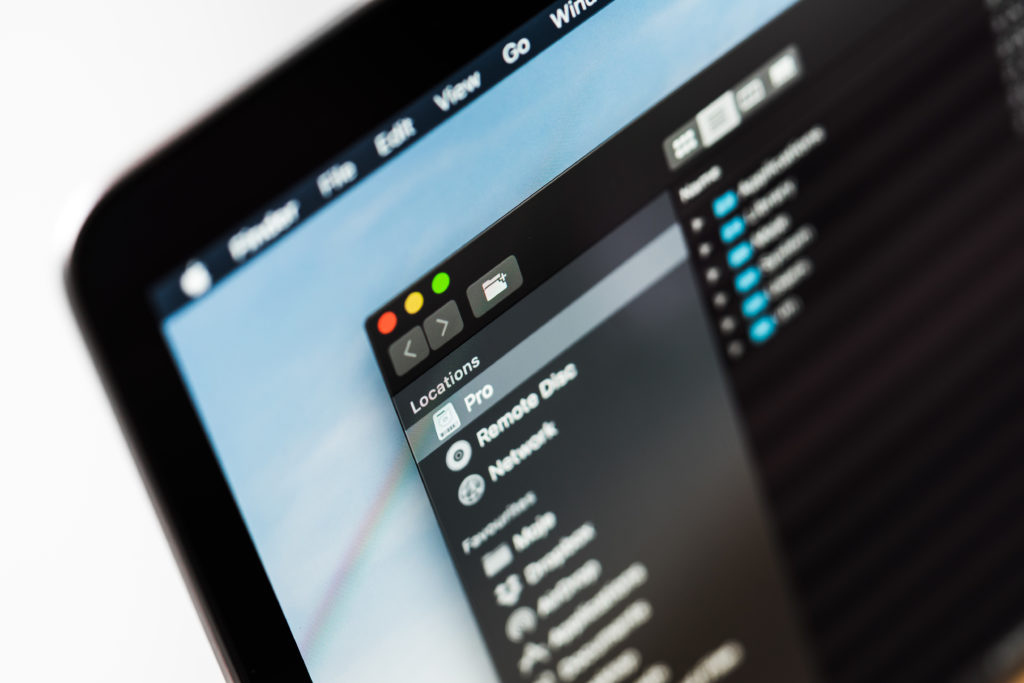
For digital bookmarks, I use the same method but I create folders first on my web browser before transferring links to them. Of course, I check via the title tag or open the site if it would still spark joy. I have the tendency to save tons of pages while on the go, on the train or even underground when signals permit.
Like bookmarks, I spend relatively huge time on tidying up emails. It’s a challenge as I’m an email hoarder but as years go by, I’ve found tips to minimise my emails, particularly email subscriptions! I have thousands of free subscriptions. If it sparks interest, my fingers are quick to enter my email address.
Whilst Gmail and other email platforms have categorised my emails based on content, it is not enough. So email filters would be a feasible strategy to ensure you focus on messages that are important. I filter them using their address and categorise them per usage (like receipts, etc.) or even per email address. I also unsubscribe when I deem that the subscription would not be of help anymore.
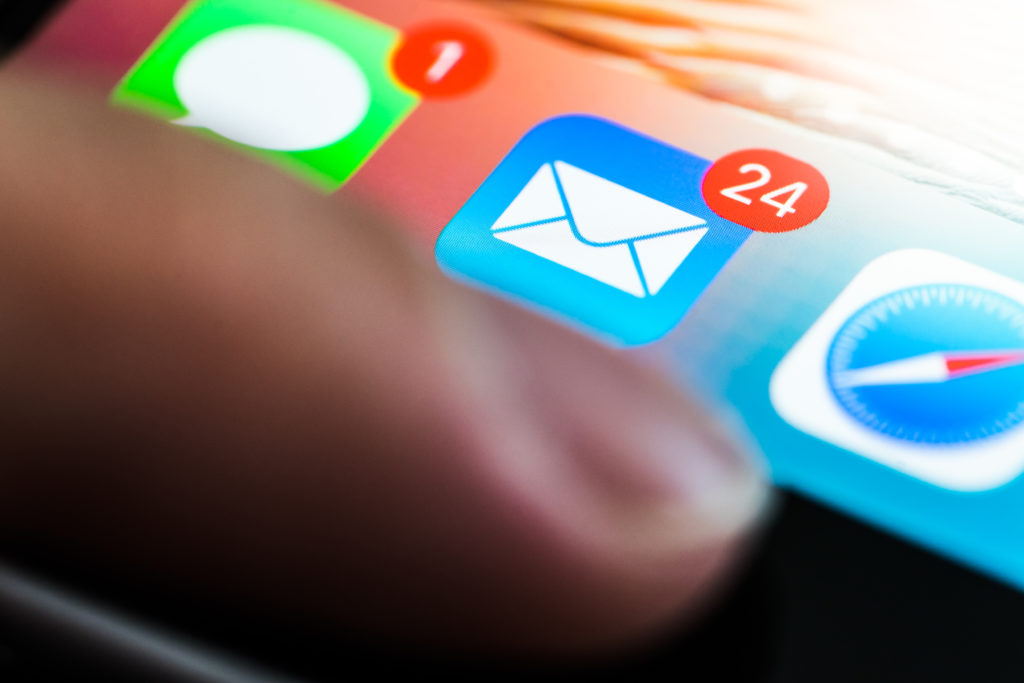
Extra tip: Since reorganising my email years ago, I’ve decided to open up another email. This inbox is just meant for all my other subscription. In this way, my personal inbox would just be focused on relevant and timely messages.
Extra tip 2: If you don’t want to create another email, you may also use the infinite email feature utilising your email. It’s like a sibling email but this message would still be sent to your email. For example, if you’re email address is [email protected], you may add a + sign after your username. [email protected] is still a valid email address and emails sent to this address would still go to [email protected]. Find the nitty-gritty process of this life-saving hack here.
Lastly, social media. Personalisation is the in thing for the social networks nowadays, these platforms will show you more content depending on your network activity and interest. Social networks also enabled options. If you think the content or a friend causes stress or anxiety, remember you have a choice – a choice to unfollow, snooze, report, mute, filter and even disconnect. Don’t get guilty because, again, let me reiterate, it’s your choice and nobody can take that away from you.
Achieving peace of mind did not go in a day of doing all of these. It’s a process, trust it and you will reap the rewards.
If you have a tip, share it in the comments section. I would be grateful to hear from you.
Relax and chill,
This is Vic and I’m back.
Let’s connect. I’m @vicmadz on Twitter and Instagram. You may also search and follow Vic Madriaga on YouTube and Facebook or feel free to contact me here too.